Santali
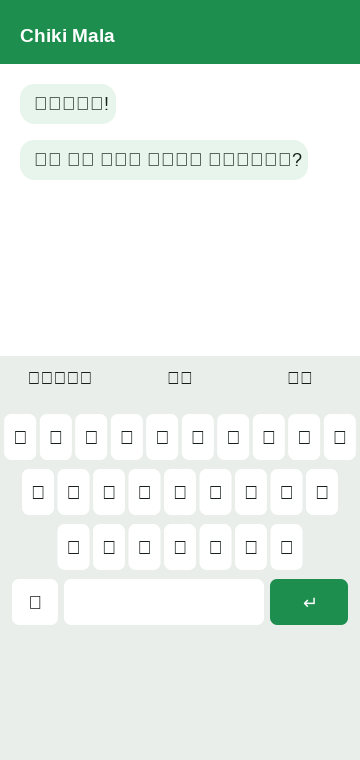
ᱚ ᱛ ᱜ ᱝ ᱞ Layout 1: number row Layout 2: Gboard styleᱡᱚᱦᱟᱨ! ᱟᱢ ᱫᱚ ᱪᱮᱫ ᱞᱮᱠᱟ ᱢᱮᱱᱟᱢᱟ?

ᱡᱚᱦᱟᱨ Johar! A free keyboard for Santali, English and Hindi.
Chiki Mala is a free Android keyboard with Ol Chiki layouts, Santali voice typing, and English and Hindi built in.
Made for Santali speakers first, with English and Hindi always one tap away.
Two layouts: a number row on top, or Gboard style with numbers on long-press. Use Ol Chiki digits ᱑᱒᱓ or 123.
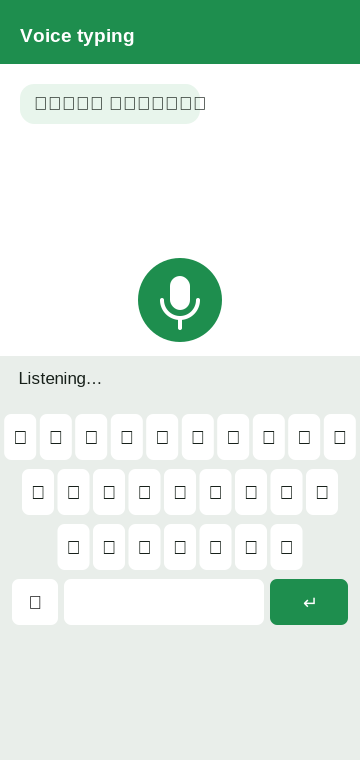
Speak Santali and get Ol Chiki text, in any app where you can type.
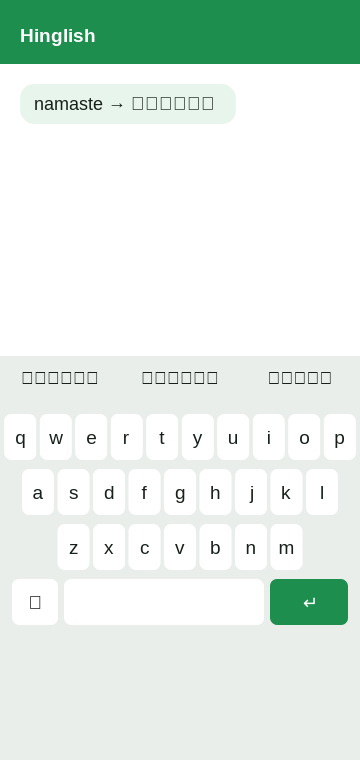
QWERTY English, and Hindi as Hinglish (type “namaste”, get “नमस्ते”) or Devanagari keys with matras.
Suggestions for Santali and Hindi that learn the words you use, on your phone only.
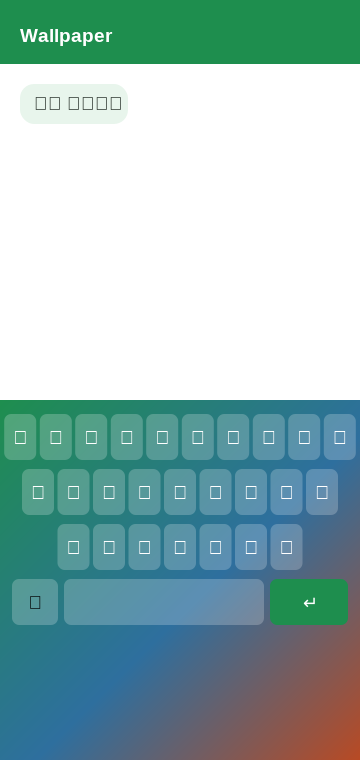
Light and dark modes, 20 accent colours, built-in wallpapers or your own photo with glass-style keys.
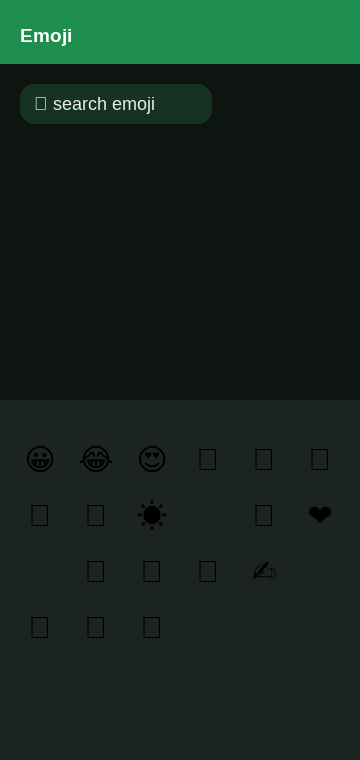
An emoji panel with search, and your recent copied items, newest first.
Chats, email, search, social media: anywhere you can type on your phone.
Completely free. No ads, no sign-up and no in-app purchases.
What you type never leaves your phone. No tracking and no analytics.
Tap 🌐 to move from Santali to English to Hindi, or long-press the space bar to pick one.
ᱡᱚᱦᱟᱨ! ᱟᱢ ᱫᱚ ᱪᱮᱫ ᱞᱮᱠᱟ ᱢᱮᱱᱟᱢᱟ?
Hello! How are you today?
namaste → नमस्ते! आप कैसे हैं?
Get Chiki Mala from Google Play (or the APK below) and open it.
Tap “Enable keyboard” and switch on Chiki Mala in Android’s keyboard settings.
Tap “Select keyboard” and pick Chiki Mala. Now start typing in any app.
No ads, no tracking, no analytics and no account. Santali voice audio is used only to turn speech into text and is not stored by Chiki Mala.
Read the full Privacy PolicyWe never collect:
Free for Android 7.0 and newer. There is no iPhone version.
Installs safely and updates automatically.
For phones without Google Play.
Only download the APK from this website. Android will ask you to allow installs from your browser; you can turn that off again afterwards. To check the file, compare its SHA-256 checksum with the one above.
Chiki Mala (ᱪᱤᱠᱤ ᱢᱟᱞᱟ) is a free Android keyboard for typing Santali in the Ol Chiki script, with English and Hindi keyboards built in.
com.chikimala.keyboardChiki Mala (ᱪᱤᱠᱤ ᱢᱟᱞᱟ) is a free Android keyboard for typing Santali in the Ol Chiki script. It also has English (QWERTY) and Hindi (Hinglish and Devanagari) keyboards, voice typing, word suggestions, emoji and themes.
Install Chiki Mala from Google Play and open it. Tap “Enable keyboard” and turn on Chiki Mala, then tap “Select keyboard” and choose it. The Ol Chiki keyboard then works in every app where you type: chats, email, search and social media.
Santali in Ol Chiki (two layouts, with Ol Chiki or 123 digits), English (QWERTY) and Hindi (Hinglish, where “namaste” becomes “नमस्ते”, or Devanagari keys). Tap 🌐 to switch, or long-press the space bar.
Yes. It is completely free, with no ads, no account and no in-app purchases.
No. In password fields, voice typing is off and the keyboard does not learn any words. What you type never leaves your phone.
Yes. Your speech is sent over a secure connection to be turned into Ol Chiki text, and the audio is not stored by Chiki Mala.
No. Chiki Mala is for Android phones running Android 7.0 or newer.